Sound match — Little Play Square
What's on the screen
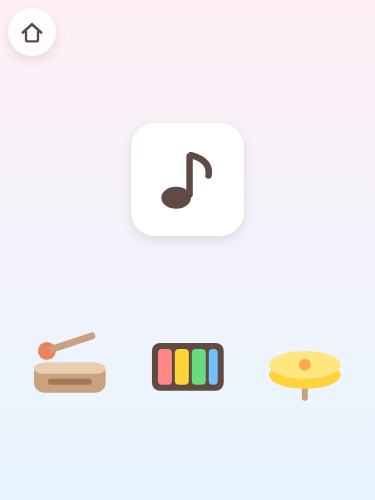
3 choices are offered each time, drawn from 5 kinds: a piano, a drum, a cymbal, a horn and a wood block.
How to play
Pick the instrument that made the sound you heard. Pressing the example plays the same sound again, so it can be heard as often as you like.
This game sits in Games for ages 3 and 4. The age is only a guide, so children older than that and children younger than that are just as welcome to play it.
What this game doesn't have
- Time limits and scoresThere is no countdown, no score and no run of days in a row.
- Game overThere is no state that stops a child from going on. You can stop the moment interest runs out.
- Ads and purchasesNothing can be pressed by mistake that carries a child off to another site.
- Text fieldsNo name and no email address is ever asked for. There is no sign-up either.
How to start
Just open Little Play Square and pick the Sound match picture on the home screen. Once it has finished loading, it starts up the same way in places with no signal. Sound is switched with the speaker mark on the home screen (it steps through normal, off and quiet, so the first press turns it off).
More from Games for ages 3 and 4
- Call and response — Two of the three animals call out in turn, each with a little hop. Press them in the same order and the two call out together, with a sparkle. In a different order, the animal you pressed still calls, and the example simply plays once more.
- Finish the pattern — Five pictures stand in a row and only the last place is empty, marked with a dotted outline. Below it are two pictures to choose from. Whichever one is pressed, the row itself never changes: the right one drops into the empty place and the five bounce from left to right, and the other one simply wobbles where it was pressed, leaving the row to be read again.
- Trace it — Trace a finger over the glowing dots and the path you pass colors in. Straying from the line never sends you back to the start.