A gamebook you read by picking choices: from a village caught in the "long night" that comes once in a hundred years, you set out to ring the bell of dawn. In the Japanese text, every kanji has furigana.
Getting started
- Open itJust open it in the browser. Nothing to install and no account to create.
- Start readingFrom the cover you move to page 1. Each page has a 5-second picture (a short video) at the top, with the text and choices below.
- Choose and go onTapping a choice takes you to that page. The path goes back and forth, and what you choose changes how the ending looks.
What is on the screen
At the top, a picture of the scene plays as a short video; below it come the text and the choices. There is no score and no countdown on the screen.
What fingers do
You simply tap choices to read on. There is no time limit and no game over, and if you stop reading, the bookmark opens where you left off.
What is inside
- 80 passages of text
- 33 scenes and 33 looping videos (the scene pictures and videos are made with generative AI)
- Furigana on every kanji in the Japanese text
What this game does not have
- Ads and purchasesNothing to tap by mistake that takes you to another site.
- Input fieldsNo name or email address is asked for, and there is no account to create.
- Game overThere is no point where you get stuck and cannot go on. Children can stop whenever they have had enough.
Before you start
- The bookmark is saved automaticallyIt stays only on this device. It cannot be carried over to another device.
- Readable without a connectionOnce it has loaded, it opens even in airplane mode.
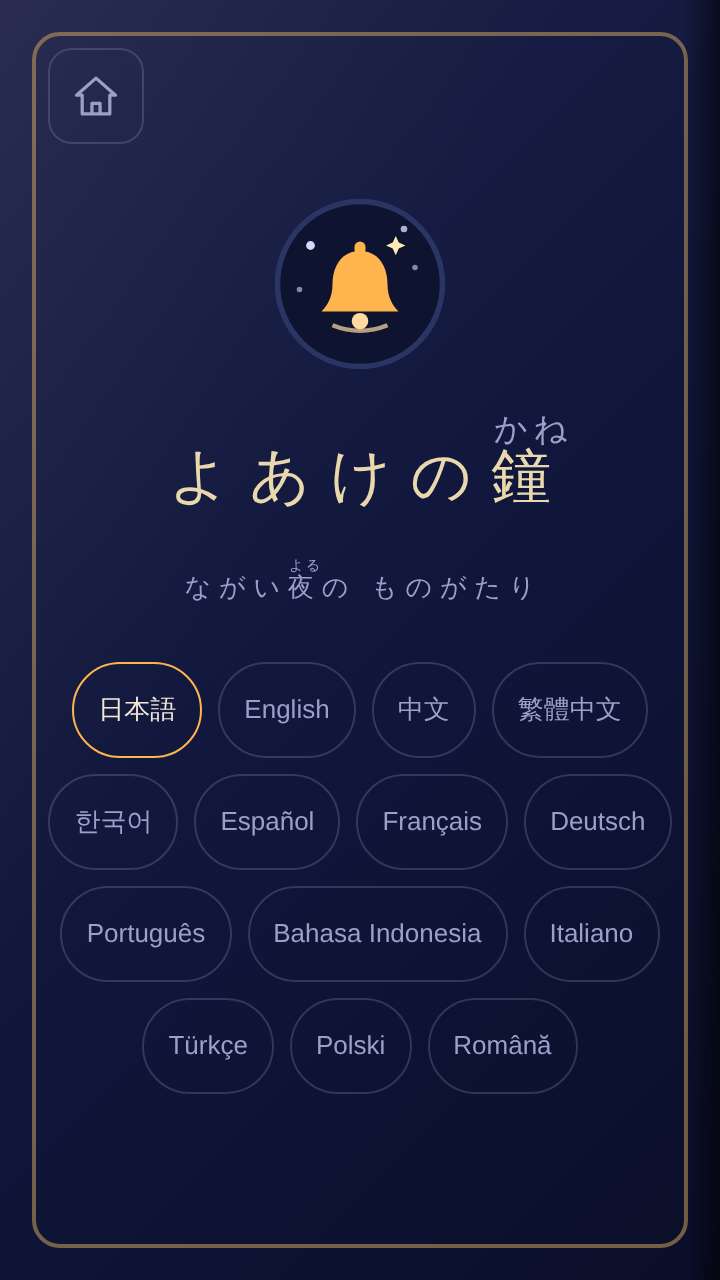
- Languages14 languages (Japanese, English, Chinese, Traditional Chinese, Korean, Spanish, French, German, Portuguese, Indonesian, Italian, Turkish, Polish, Romanian). At first it opens in the language of the device.
Playing without a connection (on a plane, in the car)
Other games for a similar age
Every game is on the Kids Games home page.