Tap the fireworks shells as they rise, at just the right moment, to make them burst. Each tap plays the same pitch as the song, so it feels like playing along together.
Getting started
- Open itJust open it in the browser. Nothing to install and no account to create.
- Choose a song and how hardChoose 1 of 18 songs, then a difficulty from 3 levels: Easy, Normal and Hard.
- Make the fireworks burstTap when a shell overlaps its ring. A miss brings no buzzer and no cross, and the song always plays to the end.
What is on the screen
A night sky, with fireworks shells rising from below. The shells come up in several lanes, and a ring marks the height where they burst. When the song ends, the result is shown with stars.
What fingers do
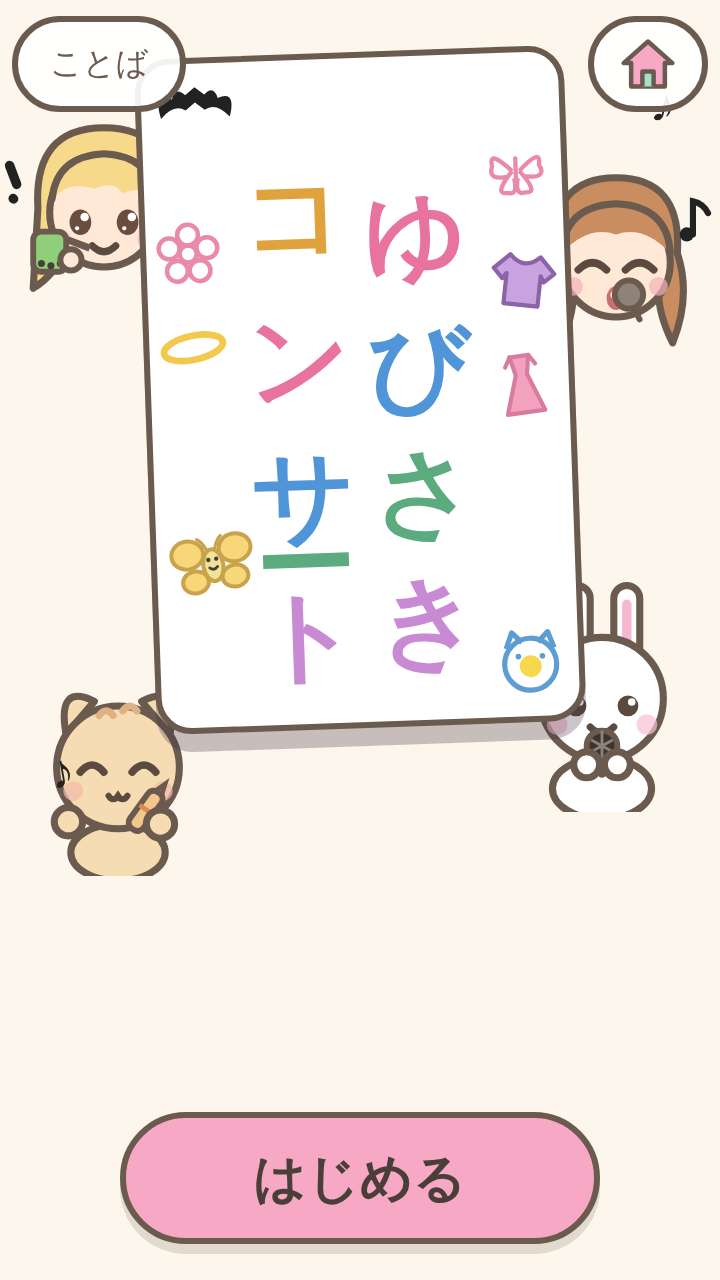
There are no buttons. Anywhere in a lane's column can be tapped, so even small fingers can aim. A long press sends a fountain firework spraying up from the ground. On Hard, shells appear that need 2 points pressed at the same time.
What is inside
- 18 songs (12 with vocals, 5 without vocals, 1 synthesized march)
- 3 difficulty levels (Easy, Normal, Hard)
- 14 languages (Japanese, English, Chinese, Traditional Chinese, Korean, Spanish, French, German, Portuguese, Indonesian, Italian, Turkish, Polish, Romanian) (the songs with vocals are sung in Japanese)
What this game does not have
- Ads and purchasesNothing to tap by mistake that takes you to another site.
- Input fieldsNo name or email address is asked for, and there is no account to create.
- Game overThere is no point where you get stuck and cannot go on. Children can stop whenever they have had enough.
Before you start
- Music creditsFor the songs with vocals, the accompaniment is by BGMer and the singing voice is VoiSona Chis-A; the vocal melodies and lyrics were made for this game. The songs without vocals are BGMer's songs in their entirety (this game made only the note charts). The synthesized march is a tune made for this game, played by live synthesis.
- Plays without a connectionOnce it has loaded, it opens even in airplane mode.
- Languages14 languages (Japanese, English, Chinese, Traditional Chinese, Korean, Spanish, French, German, Portuguese, Indonesian, Italian, Turkish, Polish, Romanian). At first it opens in the language of the device.
Playing without a connection (on a plane, in the car)
Other games for a similar age
Every game is on the Kids Games home page.