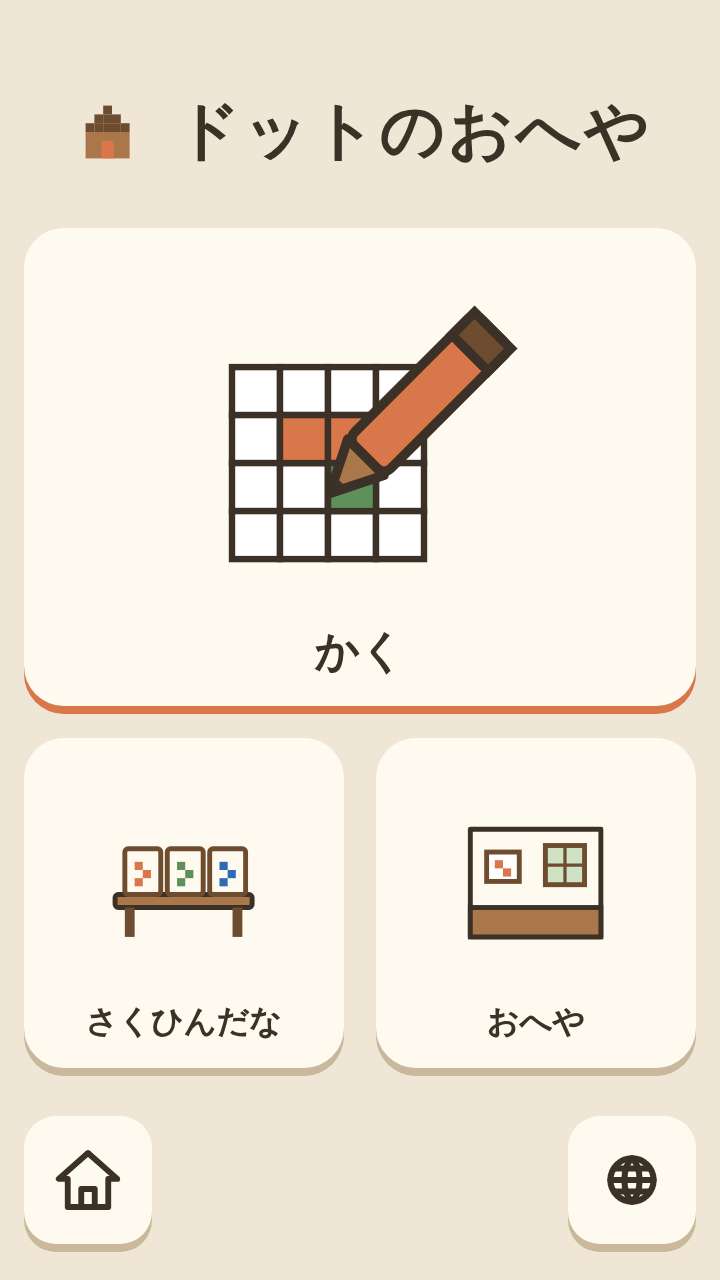
A drawing game where coloring squares with a finger turns straight into pixel art. Finished pictures collect on the artwork shelf and can be framed and hung on the walls and shelves of your room.
Getting started
- Open itJust open it in the browser. Nothing to install and no account to create.
- Choose a sizeChoose from the 16×16, 32×32 and 256×256 cards. The cards show how coarse the squares are, so no reading is needed.
- Draw and displayPictures you draw go onto the artwork shelf by themselves. Pick one from the shelf and hang it in your room.
What is on the screen
The drawing screen has the canvas of squares and the color and tool buttons. Held upright, the canvas is on top and the tools below; turned sideways, the canvas is on the left and the tools on the right. Squares that have not been painted show a checkerboard and stay transparent.
What fingers do
Color the squares by tracing with a finger. A wrong stroke can always be taken back with "Undo", and erasing everything needs a long press, so an accidental touch never wipes the picture. At 32×32 there are an eyedropper, a mirror pen, straight lines and zoom; at 256×256 there are a palette for mixing your own colors, shapes, selection and layers.
What is inside
- 3 sizes: 16×16 (from age 3), 32×32 (from age 6) and 256×256 (from age 10 up to adults)
- Unpainted squares stay transparent
- The artwork shelf and your room (choose the wallpaper, floor and frames)
- Export as an image that keeps transparency (PNG), and import images (at 16×16 and 32×32 these are behind the grown-ups' button)
What this game does not have
- Ads and purchasesNothing to tap by mistake that takes you to another site.
- Input fieldsNo name or email address is asked for, and there is no account to create.
- Game overThere is no point where you get stuck and cannot go on. Children can stop whenever they have had enough.
Before you start
- Pictures are saved automaticallyThey stay only on this device. They cannot be carried over to another device.
- Plays without a connectionOnce it has loaded, it opens even in airplane mode.
- Languages14 languages (Japanese, English, Chinese, Traditional Chinese, Korean, Spanish, French, German, Portuguese, Indonesian, Italian, Turkish, Polish, Romanian). At first it opens in the language of the device.
Playing without a connection (on a plane, in the car)
Things to make together on the weekend
Other games for a similar age
Every game is on the Kids Games home page.